Styles
My Art
Workspace
Crop image
Images
Videos
Audio
Versions
Character images
Select at least 10 images of your new
character (0)
Done
Cancel
Choose style
㊮Artime
㊮Branding& Marketing
㊮Social Media
㊮CinemArt
-
 Main
Main -
 Any image
 -
3D illustration
-
3D Object
-
Product photography
-
Background
-
Realistic
-
Fictional
-
Architecture photography
-
People photography
-
Lifestyle photography
-
Website/Brand Logo
-
Website Hero
-
Full Website
-
Fiverr Gig Cover
-
Music Album Cover
-
Sound pack covers
-
Flyer Design
-
Book Cover
-
Icon
-
Business Card
-
Social Media Kit
-
Presentation Slides
-
Virtual Invitation
-
Brand Style Guide
-
Banner
-
YouTube Thumbnail
-
YouTube Logo
-
YouTube Cover
-
Facebook post
-
Facebook Cover
-
Facebook Ad
-
Instagram Post
-
Instagram Story
-
Pinterest Pin
-
Characters
-
Fictional characters
-
Locations
-
Poster-16:9
-
Poster-9:16
Popular
Recommended
Favorites

*Consistency mode is enabled*
Style: - - - - - > -
Enabling the consistency option allows you to apply a uniform style structure across different product/categories. Upon activation, a category will be highlighted—simply select the desired category, and proceed to generate.
(Disable consistency mode to view all styles)
Choose shape
3/1
21/9
16/9
3/2
4/3
5/4
1/1
4/5
3/4
2/3
9/16
9/21
1/3
Choose shape
9:16
3:4
1:1
4:3
16:9
21:9
Choose style
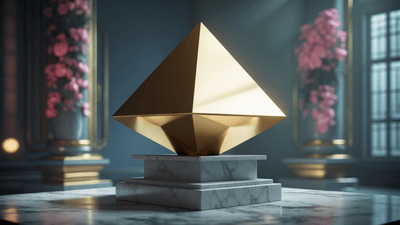
Render 3D
Gives images a 3D-rendered, modeled appearance.
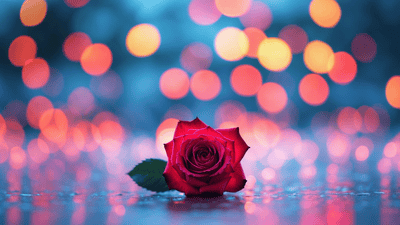
Bokeh
Emphasizes a blurry, out-of-focus aesthetic for artistic effect.
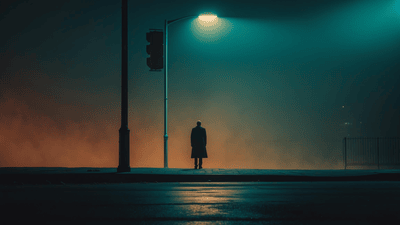
Cinematic
Mimics the look and feel of movie scenes with dramatic lighting.
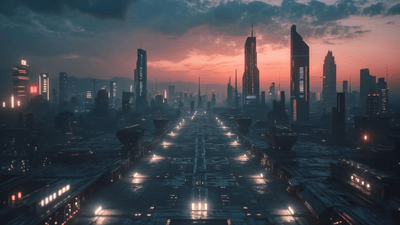
Cinematic Concept
Conceptual cinematic visuals often used for movie pre-visualization.
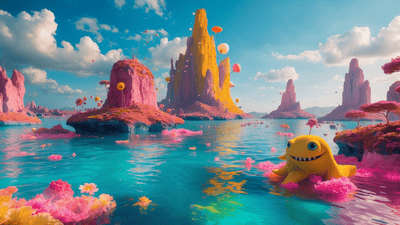
Creative
Produces imaginative, artistic, and unconventional visuals.
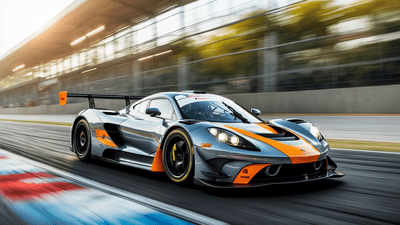
Dynamic
Emphasizes motion and energy for more expressive scenes.
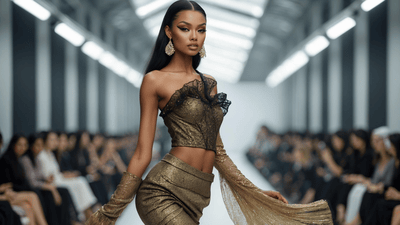
Fashion
Highlights refined, stylish, high-end fashion elements.
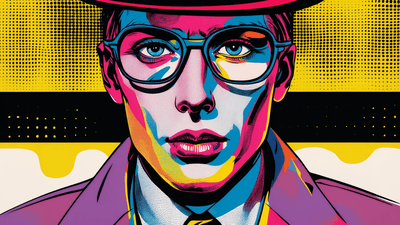
Graphic Design (Pop Art)
Inspired by pop art, using bold colors and graphic imagery.
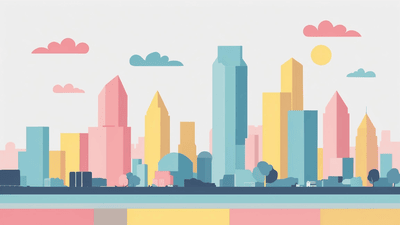
Graphic Design (Vector)
Creates flat, vector-style graphics with clean lines.
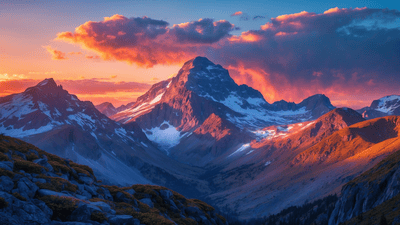
HDR
High dynamic range rendering with vibrant colors and contrast.
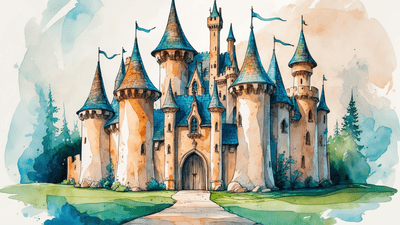
Illustration
Mimics hand-drawn or painted illustration styles.
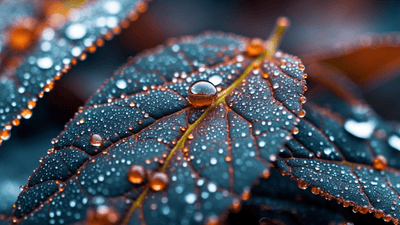
Macro
Close-up images highlighting fine details.
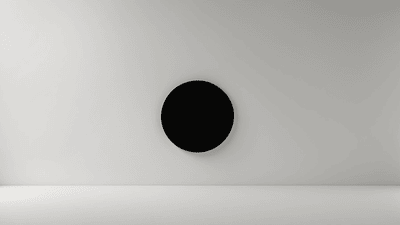
Minimalist
Uses simple, clean compositions and minimal detail.
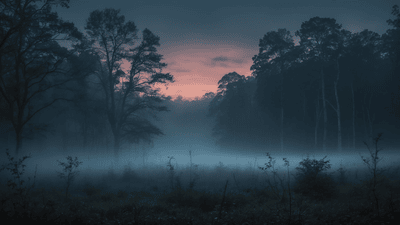
Moody
Evokes atmosphere, drama, and deep tones.
None
No style transformation; keeps the image basic or unchanged.
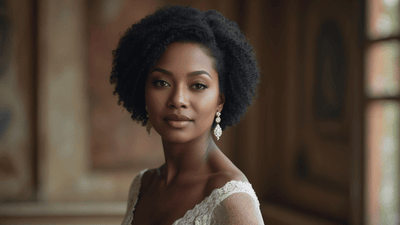
Portrait
Focuses on detailed, flattering human portraits.
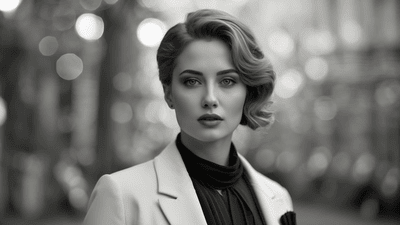
Pro B&W Photography
Professional quality black and white photography style.
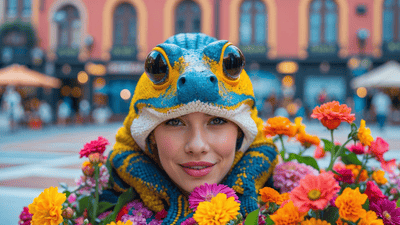
Pro Color Photography
Professional quality color photography style.
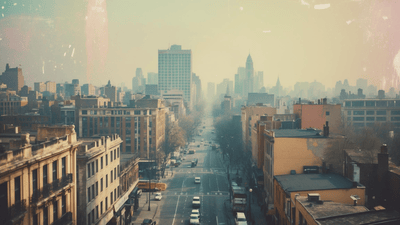
Pro Film Photography
Emulates classic film-based photography aesthetics.
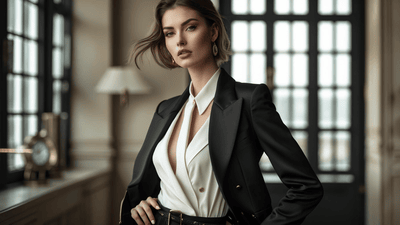
Portrait Fashion
Blends portraiture with high-end fashion styles.
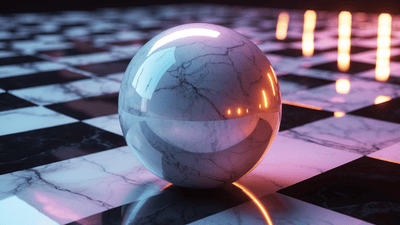
Ray Traced
Uses advanced lighting and shadows for extra realism.
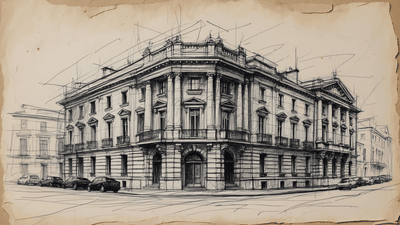
Sketch (B&W)
Produces black and white pencil or ink-style sketches.
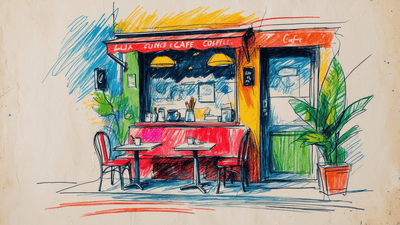
Sketch (Color)
Creates colorful drawings with a sketched, artistic touch.
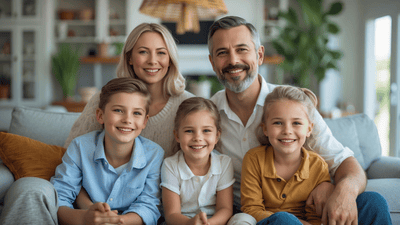
Stock Photo
Resembles professional stock photography with clear subjects.
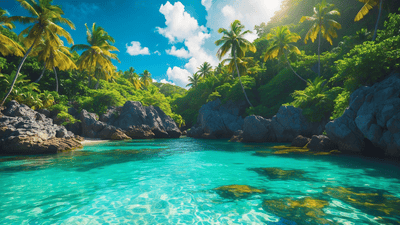
Vibrant
Bright, bold colors and energetic composition.
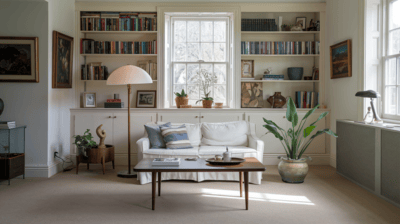
Auto
Automatically chooses the most suitable style for your prompt.
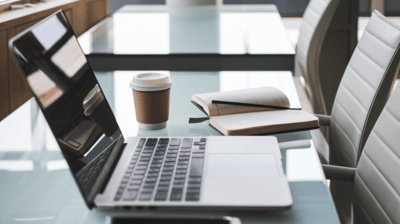
General
Standard, versatile style ideal for a wide range of images.
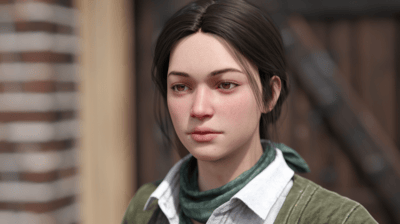
Realistic
Produces images with life-like, photographic details.
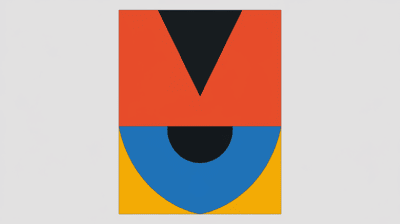
Design
Focuses on graphic elements and stylized design features.
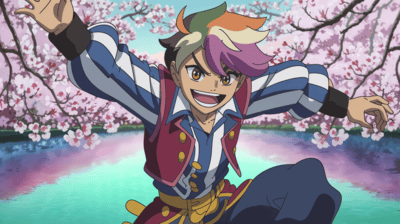
Anime
Generates visuals in a classic anime or manga style.
Editor
Show versions
-
Create Design
-
Create Character
-
Create Video
-
Create Audio
-
Marketing Campaign
-
Social Automation
-
AI Assistant
-
More Tools
Resolution: | Format: | KB
Artime will generate a new design according to this style:
Artime will generate a new design consistent with this style:
Create image
Edit image
Testing
Inspire me
Generate prompt
?
Enhance the selected prompt to refine and elevate its design,
(potentially resulting in significant deviations from the original style)
Please upgrade your plan
Continue
When private mode is enabled, the content can only be accessed via a direct link; if disabled, it might appear in the public gallery.
Enabling the consistency option allows you to apply a uniform style structure across different product/categories. Upon activation, a category will be highlighted—simply select the desired category, and proceed to generate.
Create image
1/4
Automatically deletes the background from your image, making it transparent.
Increases the resolution of your image for sharper and larger outputs.
Expands the canvas to show more area around your image content.
Lets you manually erase unwanted parts of your image.
Fills in selected areas with AI-generated content to repair or modify your image.
Adds extra space around your image and fills it in contextually using AI.
Swaps your image’s background with a new one of your choice.
Finds and replaces specific elements or objects in your image.
Finds specific areas in your image and changes their color.
Replaces one character or subject in your image with another.
Upscaling a face
Select a compression level from 0 (no compression) to 10 (maximum). Higher levels produce smaller files but may reduce image quality
Manage Character
Add new
Change image
Submit
Create character
Face Swap
Instant character
Replace bg
Characters creator enables you to train an AI model to seamlessly integrate figures such as faces, bodies, or heads, into images and videos with precision and efficiency.
AI Character Creator How to use?
Select Images
Pick images of the individual that you wish to use in different poses and outfits.
Generate Character
Press the "Generate Character" button. This process will take a few minutes.
Utilize Avatar Character
Once the character is generated, use the avatar character as a placeholder when generating images. This will improve the final result with the real character.
Replace Avatar Character
Go to the image editing section, choose "Character Swap," paint over the character's head, and select the character to be integrated into your image.
Select images
Generate Character
Manage Character
Add new
Change image
Update
Delete Character
Go back
Swap faces of one or two people at once, while preserving user and scene details.
Preserve target's hair or swap it with user's hair.
Upscaling will refine the image and boost quality.
The target image to face swap TO
Create image
Instant Character creates high-quality, consistent characters from text prompts, supporting diverse poses, styles, and appearances with strong identity control.
Whether to use the magic prompt.
x
The same seed and the same prompt given to the same version of the model will output the same image every time.
Image to be used as character reference.
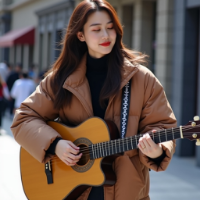
A set of optional images to use as style references.
A set of optional images to use as style references.
A set of optional images to use as style references.
A set of optional images to use as style references.
Create image
Background Replace creates or swaps backgrounds from text prompts, offering diverse scenes and cohesive integration with your character.
Image to be used to generate new image
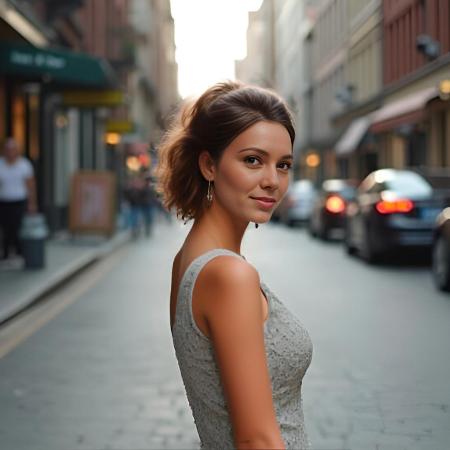
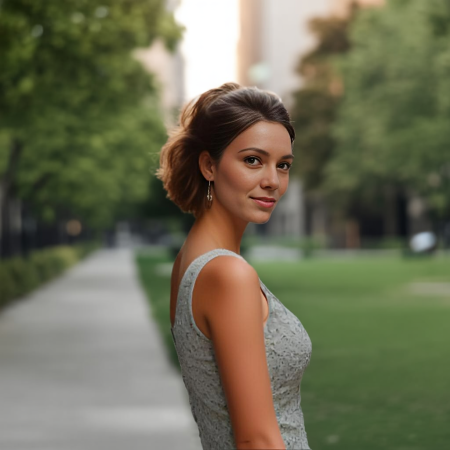
Change image
Resolution: | Format: | KB
Create video
Lipsync video
Music video
Morph video
Whether to use the model's prompt optimizer.
Generate video
Generate video
Whether to use the model's prompt optimizer.
Generate video
Video fps details.
Fademask frames details.
The same seed and the same prompt given to the same version of the model will output the same image every time.
Strength details.
Generate video
The same seed and the same prompt given to the same version of the model will output the same image every time.
Generate video
Align face details
Video fps details.
The same seed and the same prompt given to the same version of the model will output the same image every time.
Generate video
| Format: | KB
Music
Speech
Voiceover
Audio Effects
Generate lyrics
Continue
Audio duration in seconds
Controls how strongly the lyrics influence generation
Controls noise removal level (1.00 is full denoising)
Higher number means more refined result
The same seed and the same prompt given to the same version of the model will output the same image every time.
Generate audio
Generate Speech
voice
effects